

How to set up your venue's house rules
Write your house rules in multiple languages and show them to customers on the venue page and in the booking summary.
House rules are a text your customers see on the public venue page and in the booking summary they receive. You can write them in every active language and format them with markdown.
1. Open Settings → Rules
At the top right, click the Settings icon and select the Rules tab.
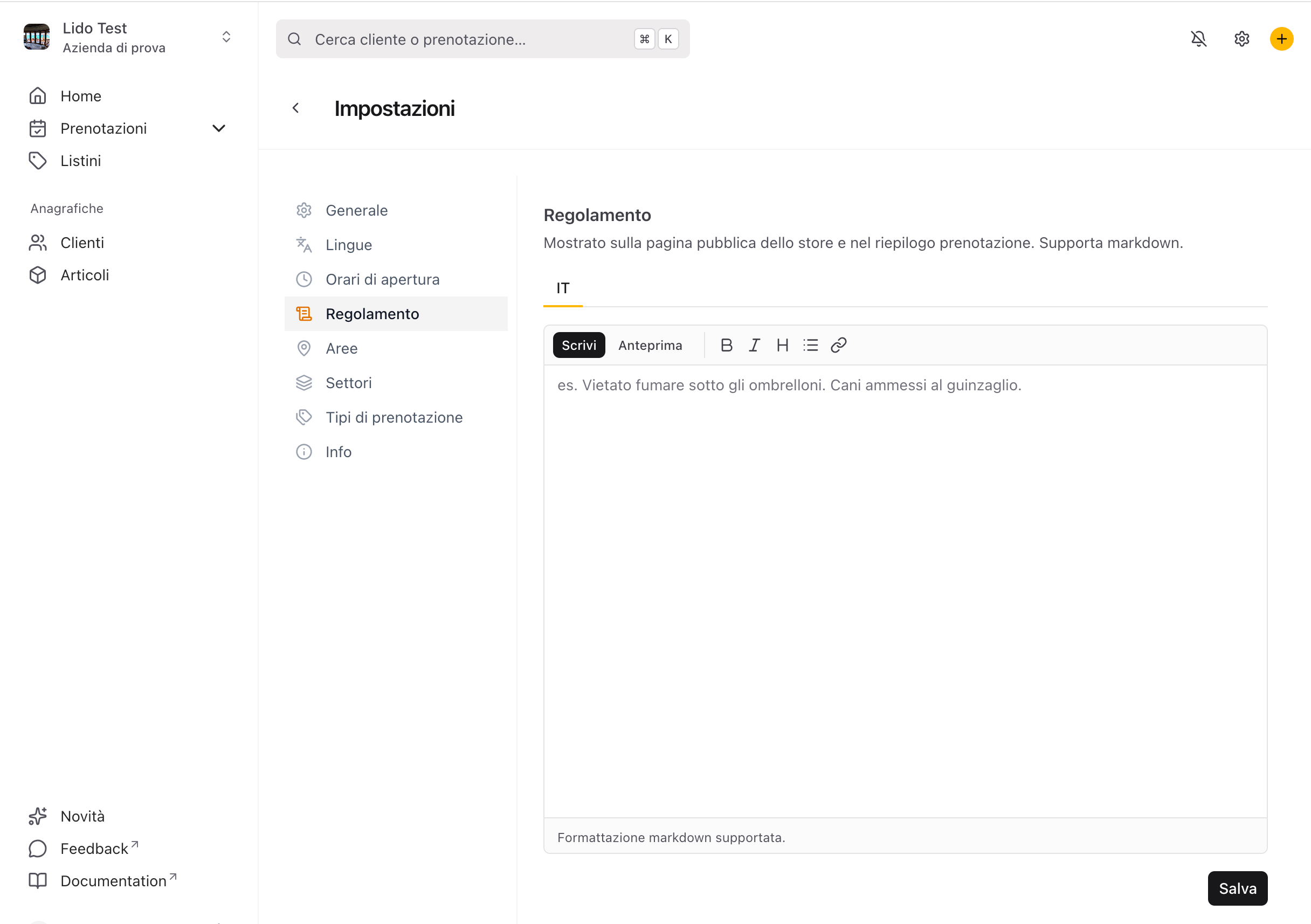
2. Write the text and check the preview
Write the rules for each active language using the editor. You can use formatting — bold, lists, headings, links — and check the result with the Preview tab before saving.
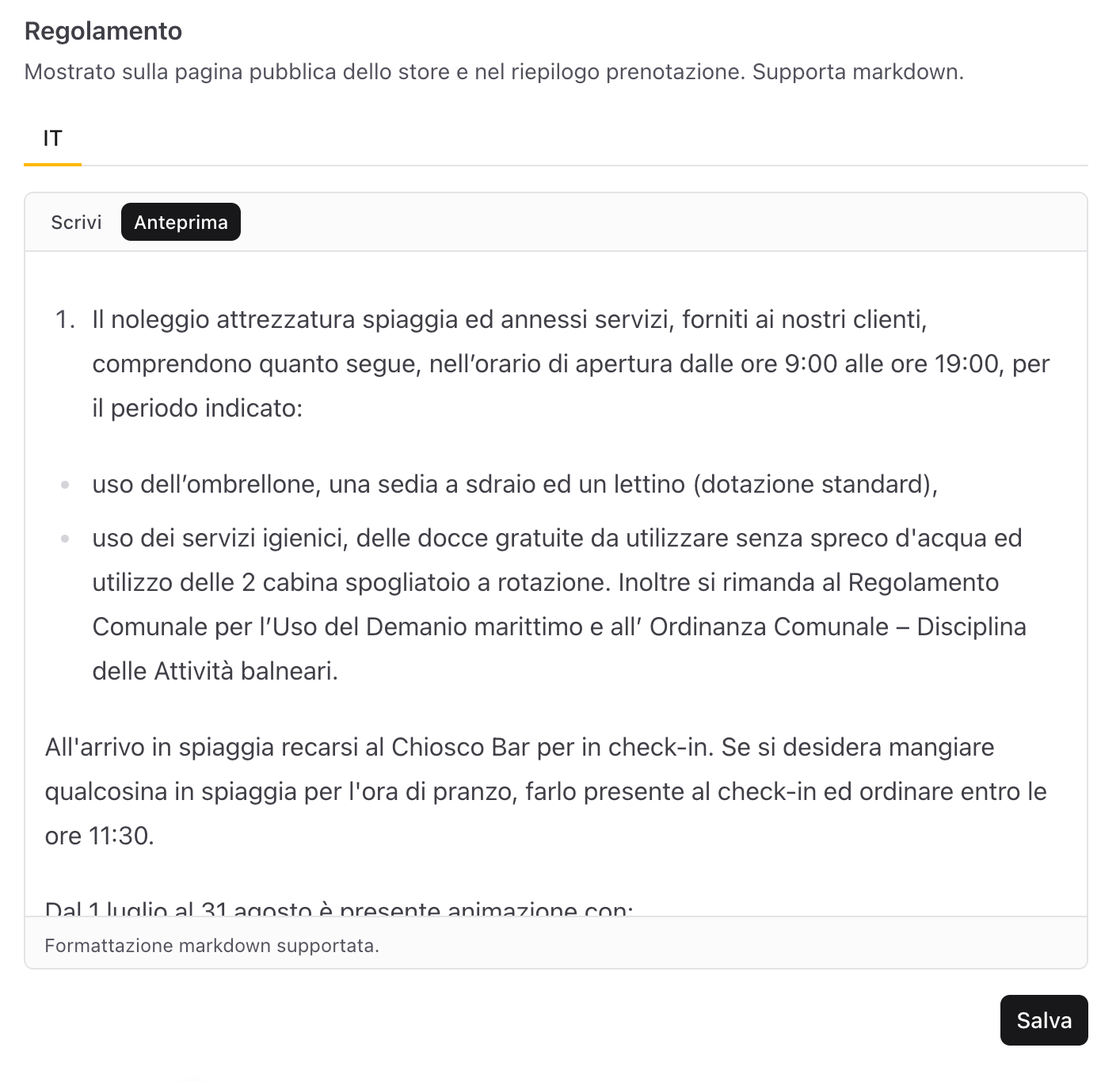
3. Save: the customer sees it in the booking
Press Save. From then on the rules appear to customers on the public venue page and in the booking summary they receive via link.
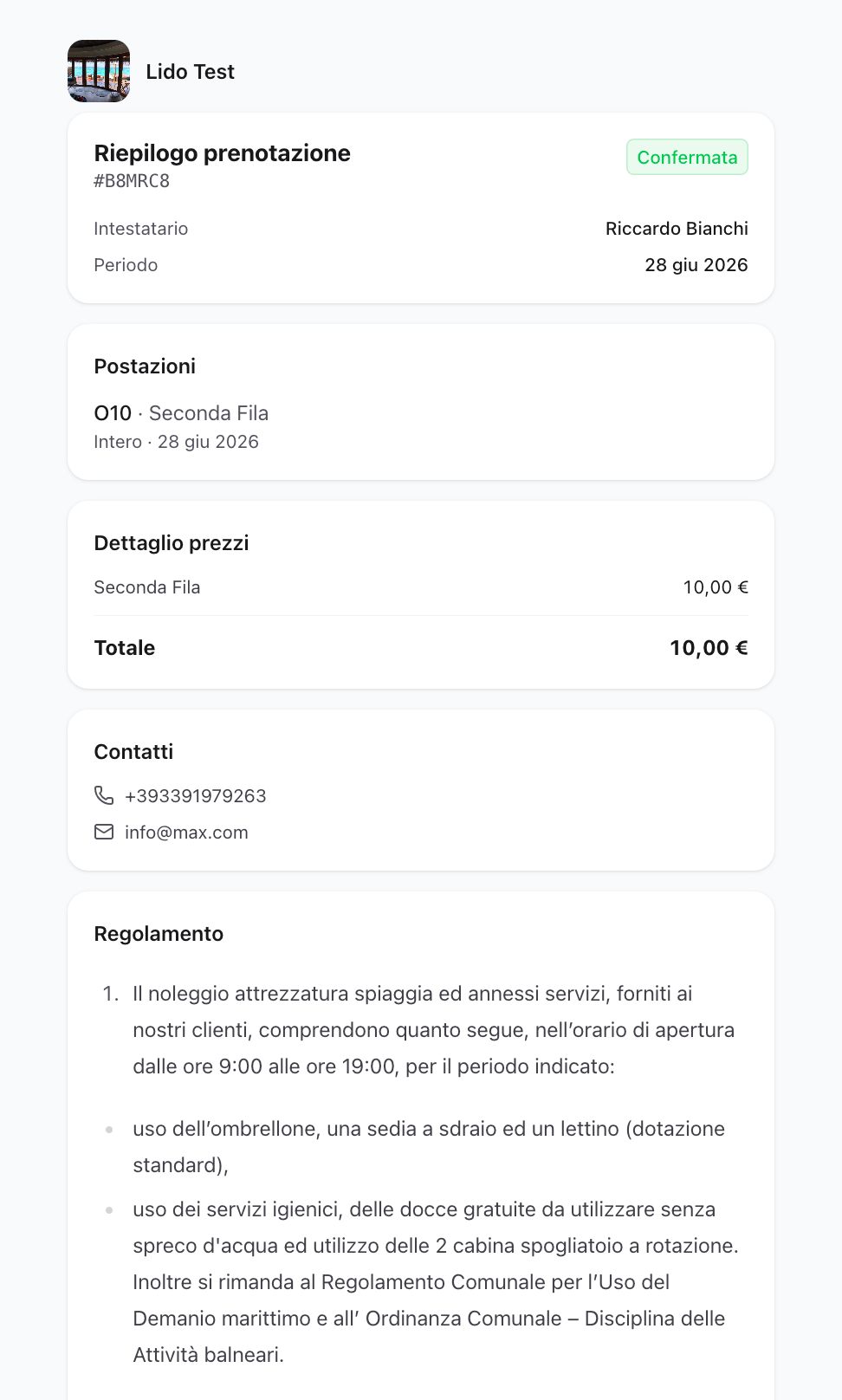
Tip — update the rules whenever your terms change: the change is immediately visible to customers, with no need to resend any links.